
iPhone → Mac
The Mac remote that lives in your pocket.
A real trackpad under your thumb, an air mouse, a keyboard that listens, a volume knob and your Mac’s screen with its sound. From the couch, the bed or the other side of the room.

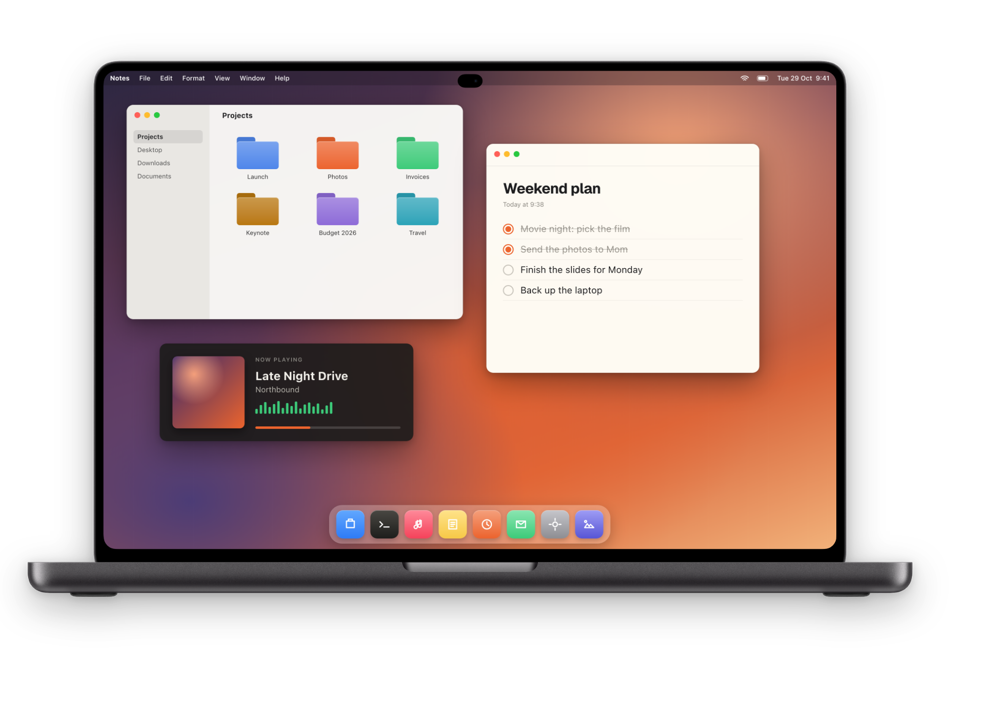
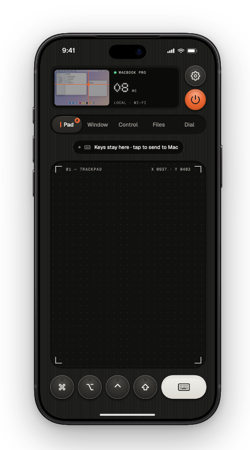
One hand. Every control.
-
01
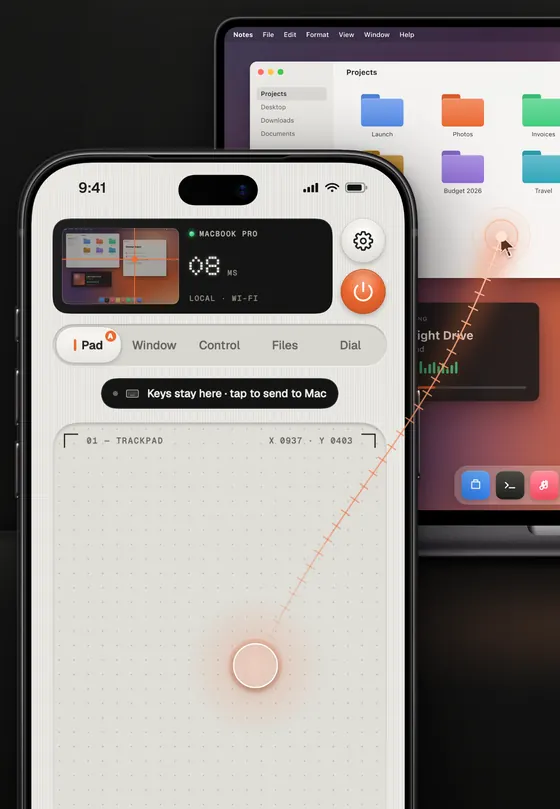
A trackpad you can feel.
The pointer follows the macOS acceleration curve and glides on with momentum when you let go. Tap to click, two fingers to scroll, three-finger drag to move a window. Or hold the air-mouse key and point the phone at the TV.
- One-handed mode and a left-handed layout
- Gyro air mouse, voice typing and ⌘ ⌥ ⌃ ⇧ keys that lock
-
02
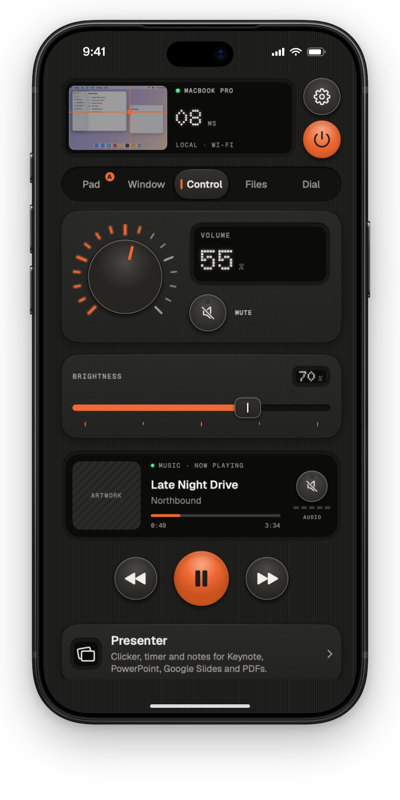
Turn it up without getting up.
Volume on a knob with detents, brightness on a fader, play, pause and skip. YouTube, Netflix and Spotify in the browser get their own keys for seeking and full screen. Lock, sleep and restart are a tap away.
- Browser media keys and Keep Awake, free
- Anything you can’t undo asks you to hold to confirm
-
03
Without even opening the app.
Put play, pause and volume on your Lock Screen with widgets, in Control Center, or on the Action button. Ask Siri to lock, wake or mute the Mac, or to take a screenshot. On Apple Watch, turn the Digital Crown to change the volume.
- Widgets, Control Center and Live Activity
- Siri, the Action button and Apple Watch


Your Mac’s screen, in your hand.
The live screen at up to 120 fps, with the Mac’s sound in sync. Focus on a single window and a terminal stays readable in portrait. Save a screenshot or the last 30 seconds straight to Photos.
Real recording, same network. Shown in real time.
- Mac audio on your iPhone or AirPods
- Follows the pointer across your displays
Set it up once.
Two apps, one code, about five minutes.
- 1
Install the Mac app
Thumbdial Agent is free, notarized by Apple, and lives in the menu bar.
- 2
Pair with a code
Scan the QR code on the Mac or type its six digits, then click Allow.
- 3
Pick up your iPhone
Open Thumbdial and your Mac is there, every time.
Questions, answered.
What can I do on iPhone for free?
The trackpad, air mouse, keyboard and voice typing; volume, brightness, media and browser media keys; lock, sleep and Keep Awake; the numpad, F-key and navigation decks; the Dial for volume and scroll; and presenter basics. For one Mac on the same Wi-Fi or a cable. Pro adds the live screen, Mac audio, Link and the professional tools.
Can I use it with one hand?
Yes. Thumbdial is built portrait first for one thumb, with a one-handed mode, a left-handed layout and a click strip for left and right click.
Is voice typing private?
Yes. Speech is recognized on your iPhone; only the text is sent to your Mac. The audio never leaves the phone.
Which iPhones work?
Any iPhone with iOS 26 or later. The Mac needs Apple silicon (M1 or later) and macOS 26 or later. Face ID unlock needs an iPhone with Face ID or Touch ID.
Your Mac is one code away.
The trackpad, the keyboard and the volume knob are free, for one Mac on your Wi-Fi.
Keep exploring.
- iPad → MacThe live screen, big. Your keyboard case types straight on the Mac, or the iPad becomes its second display.
- Mac → MacRun the Mac mini in the studio from the MacBook on your lap, in a window, with its sound.
- From anywhereOn mobile data or hotel Wi-Fi, Link reaches your Mac at home. No account, no port forwarding.
- Presentation PilotNotes, next slide, a laser for any app and time cues on your wrist.
- Second DisplayAn iPad, iPhone or Mac as an extra display, with Apple Pencil as a tablet.
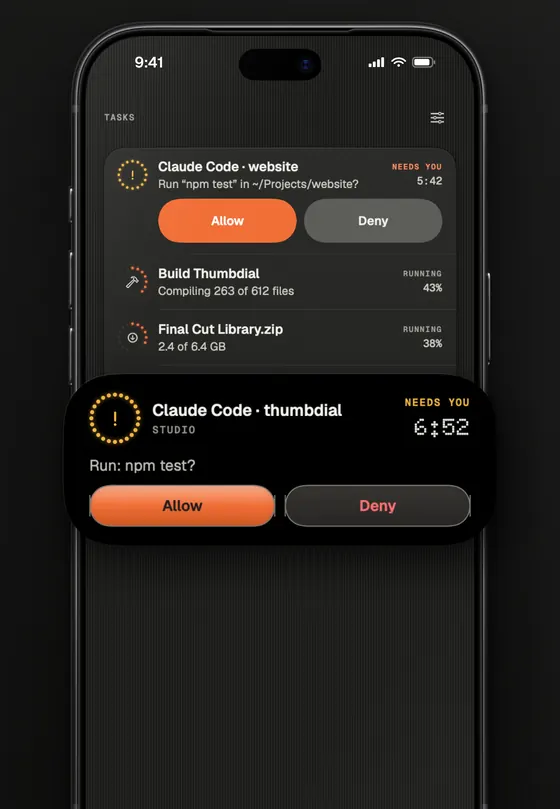
- Dial, Decks and TasksA haptic jog wheel, decks of keys and your Mac’s jobs on the Dynamic Island.